TraCell
Track suspended cells in microfluidic devices, from a recorded video or live from a Phantom high-speed camera. TraCell finds each cell in every frame, links the detections into trajectories, and gives you the tables, plots and videos to analyse them.
The buttons always fetch the newest release. Release notes A macOS version will follow.
First release in preparation
TraCell 1.0 is not released yet. The download buttons and the install commands on this site start working with the first release.
irm https://tracell.app/install.ps1 | iex
curl -fsSL https://tracell.app/install.sh | sh
What it does
-
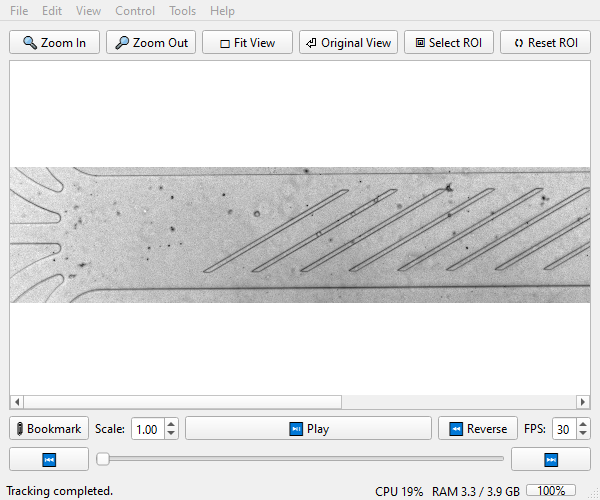
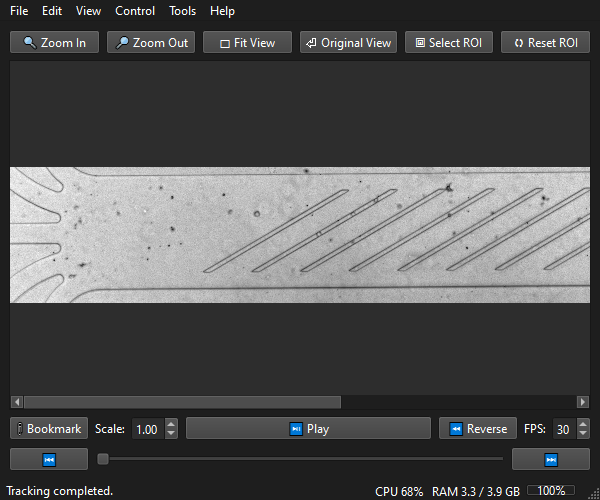
Offline tracking
Open an
.avi,.mp4or.cinefile, tune the mask and the contour limits on the live preview, then track a frame range. Stop at any time and keep what was tracked. -
Live tracking (AutoTrack)
Records from a Phantom camera partition by partition and tracks each partition while the next one records. Frames stay in RAM, so nothing waits for a disk.
-
Post-processing
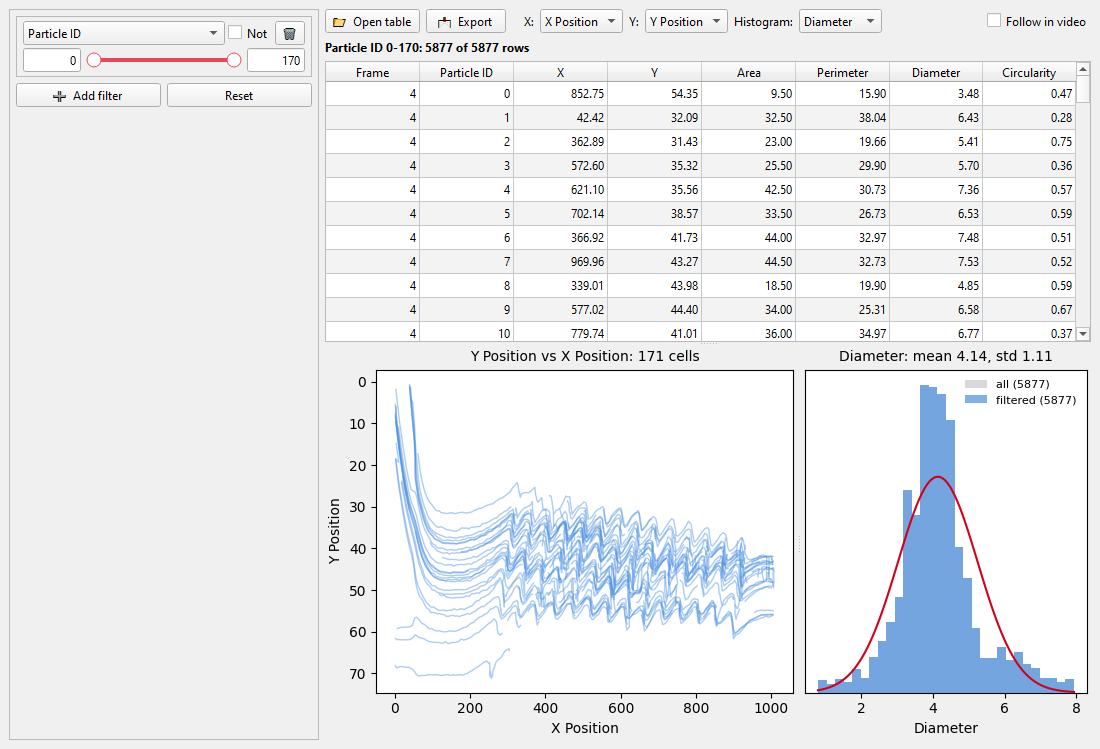
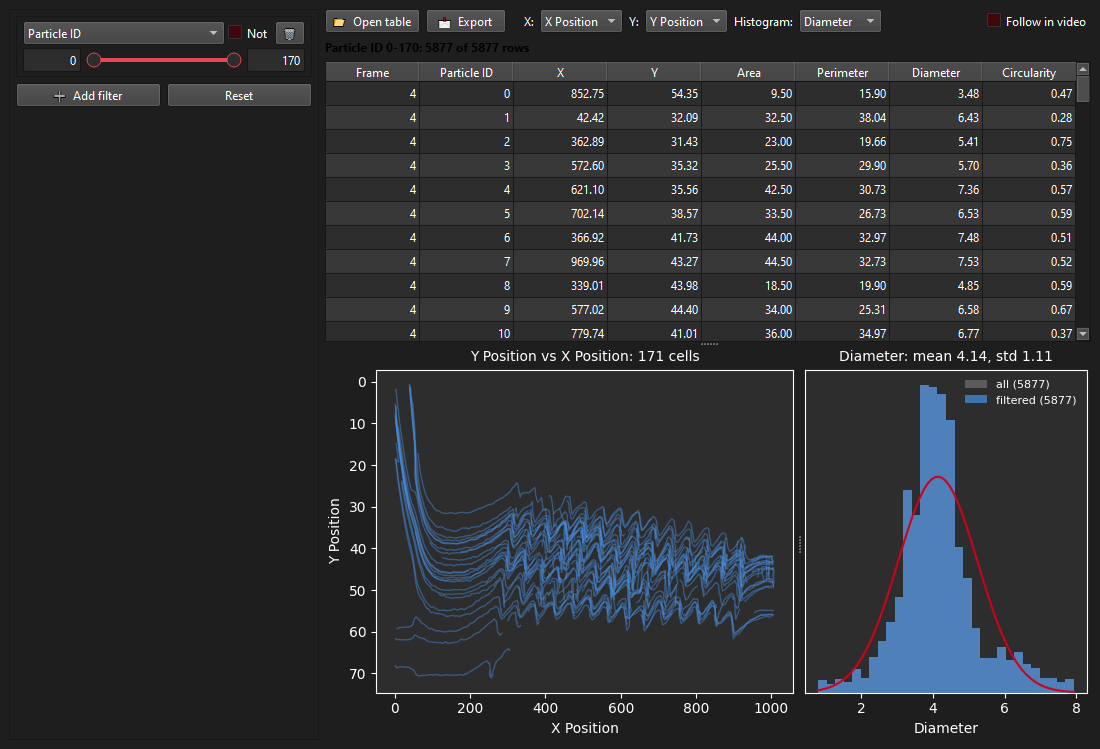
Every tracked point in one sortable table. Filters apply as you drag, the plot shows all filtered trajectories, and a click on a point jumps the video to that frame and cell.
-
Export
One dialog, one folder: trajectory table, per-cell summary, session notes, the settings as a loadable preset and the video with traces. Excel, CSV or text.
-
Undo, presets and notes
Every settings change can be undone. Presets save a whole configuration; session notes log what you did and when.
-
Light and dark
Follows the system theme or your choice in Preferences. TraCell checks for a new version when it starts.
A look at the analysis window
Ready to try it? Install TraCell, then follow the first run.